Dynamic Imaging Systems PictureLink
  • Solutions
    • CorreTrakMobile inmate tracking
    • PictureLinkMugshot & booking imaging
    • PositiveID+Biometric identification
  • Why DIS
  • About
  • Contact
Request Demo

Mugshot Imaging for Booking and Intake

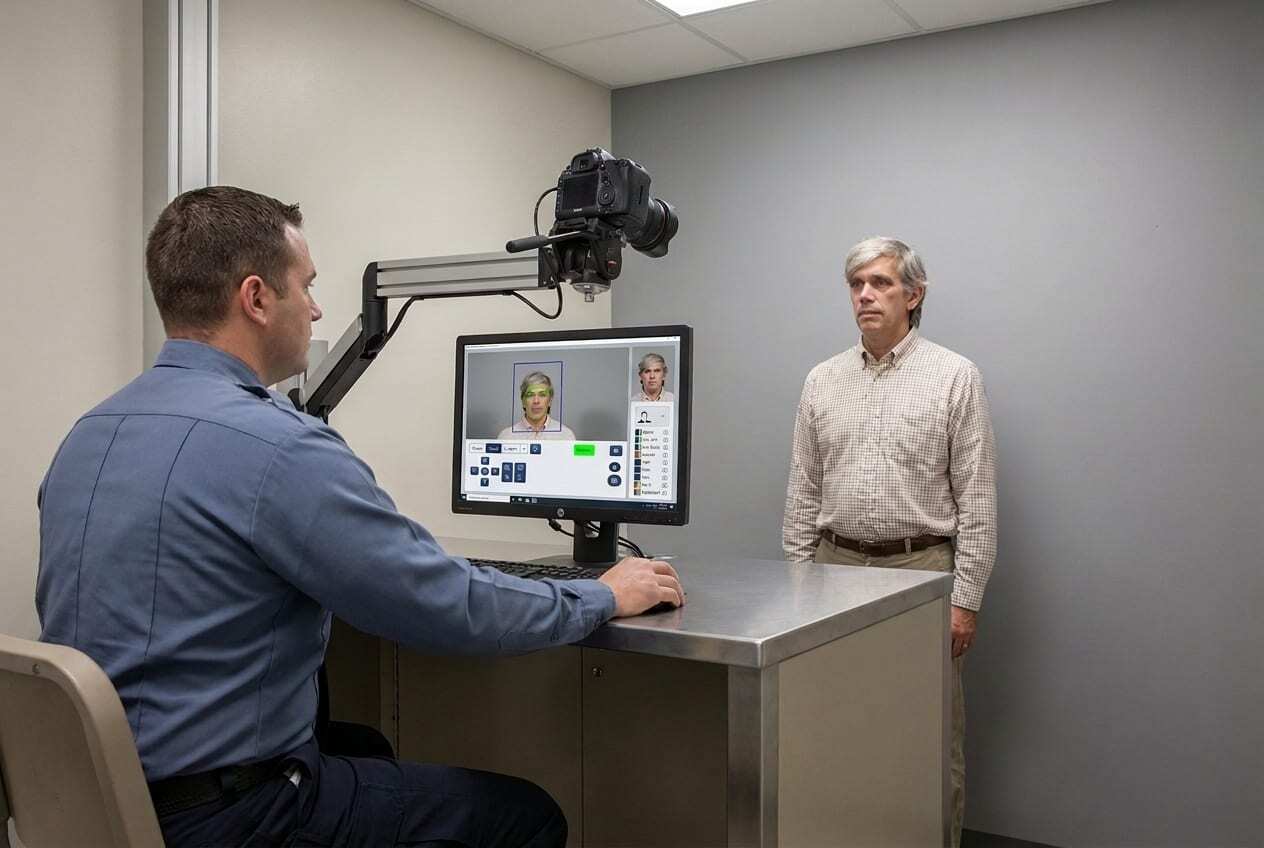
The same system captures NIST-standard mugshots and SMTs at law enforcement booking and correctional intake — fully integrated with your JMS, RMS, and Livescan systems.

Request a Demo See Features
Dual Functionality Auto Capture (NIST) & Investigative
NCIC SMT Classification
Photo Lineups Sequential or Multi-Array
Device Responsive Mobile or Desktop

Why Agencies Choose PictureLink

Image Quality & Consistency

Auto Capture and Quality Assurance checks ensure every mugshot meets NIST best-practice standards across every workstation and location.

Investigative Power

Photo lineups, witness mugbooks, and NCIC-standard SMT search give investigators capabilities beyond paper files.

Seamless Integration

Connect to your JMS, RMS, and Livescan systems, reducing duplicate photo capture and data entry.

Security & Access Control

Field-level security limits access to sensitive information, with Active Directory SSO and full event auditing built in.

Configurable to Your Agency

PictureLink's configurable interface adapts data screens, code tables, and custom forms to your workflow.

Flexible Deployment

Available as desktop or fully web-based, managed from a single console across every workstation.

Investigation-Ready Images, Captured Consistently

PictureLink replaces manual mugshot stations with automated capture, classification, and record-keeping — synchronized with your JMS or RMS from the moment a subject is photographed.

Auto Capture & Quality Assurance

PictureLink Auto Capture and Quality Assurance

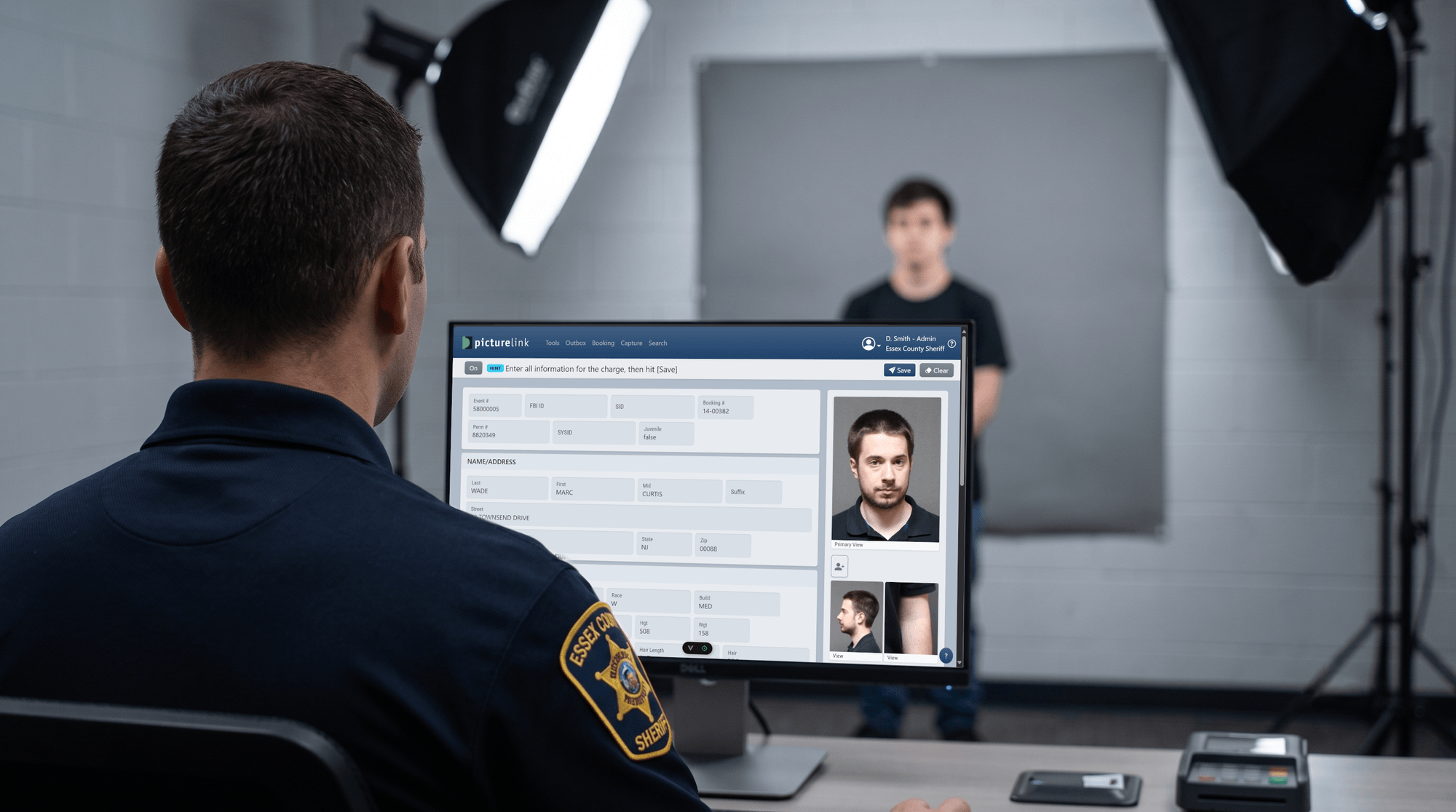
Intuitive, automated, high-quality image capture right in your browser. With an integrated PTZ or digital camera, simple clicks direct the pan, tilt, and zoom operations with no manual intervention. Automated face finding and auto-crop conform each mugshot to NIST best-practice standards. The Quality Assurance module checks head size, position, background color, and brightness before the image is saved.

Scars, Marks & Tattoos

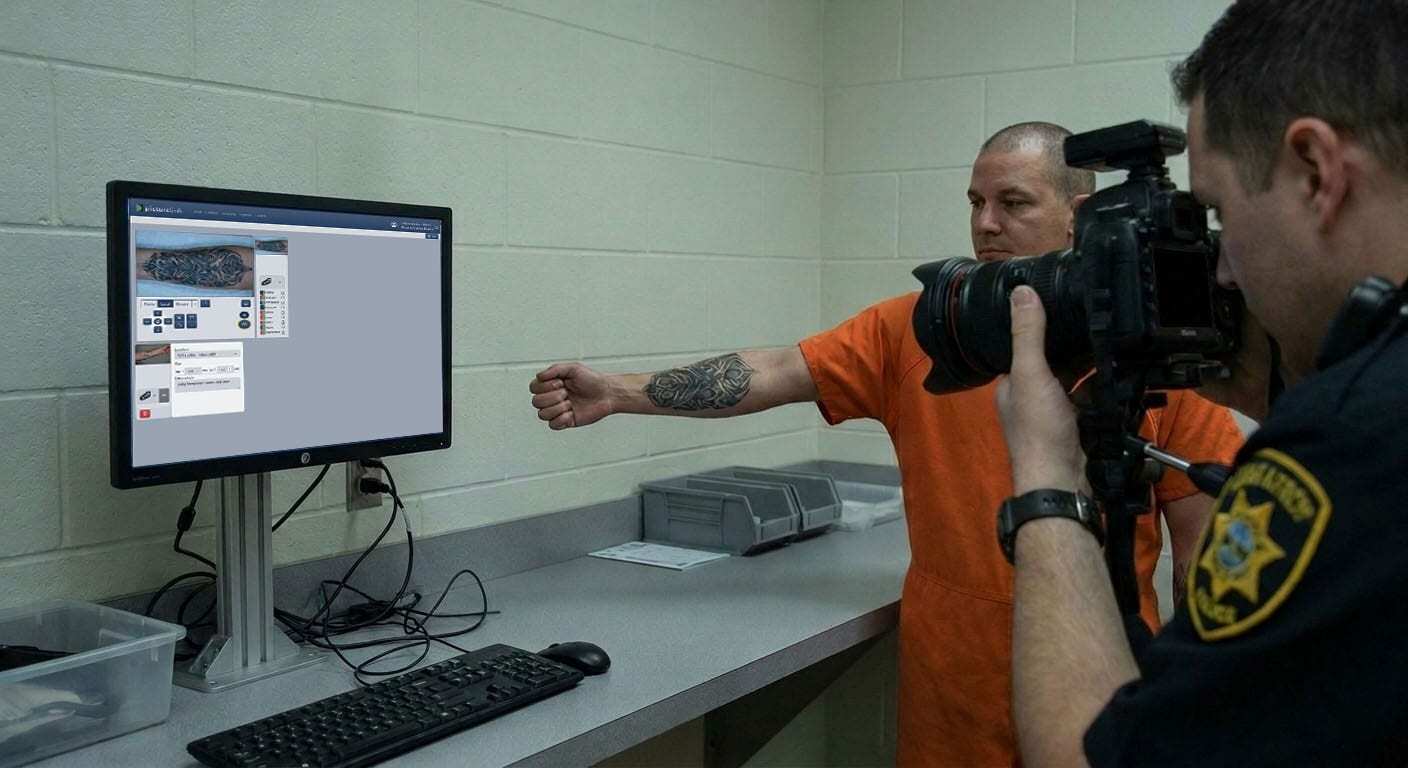
PictureLink Scars, Marks and Tattoos

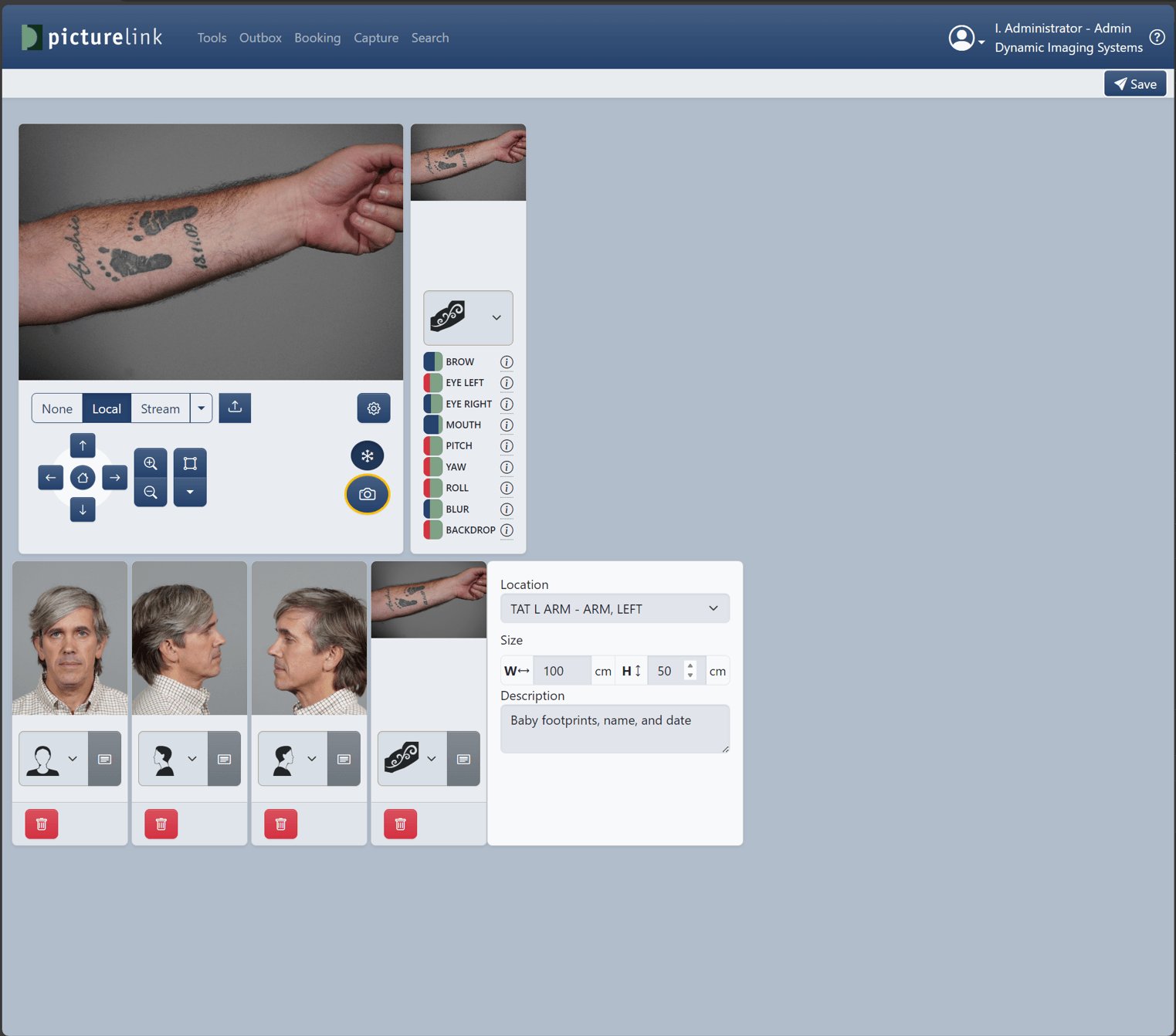
Zoom in on an area of interest with the lasso tool to capture high-quality SMT images. Each SMT is classified using NCIC standards for type, location, and description, simplifying investigative searches like “tattoo, left arm, image of a heart.”

Instant Subject Search

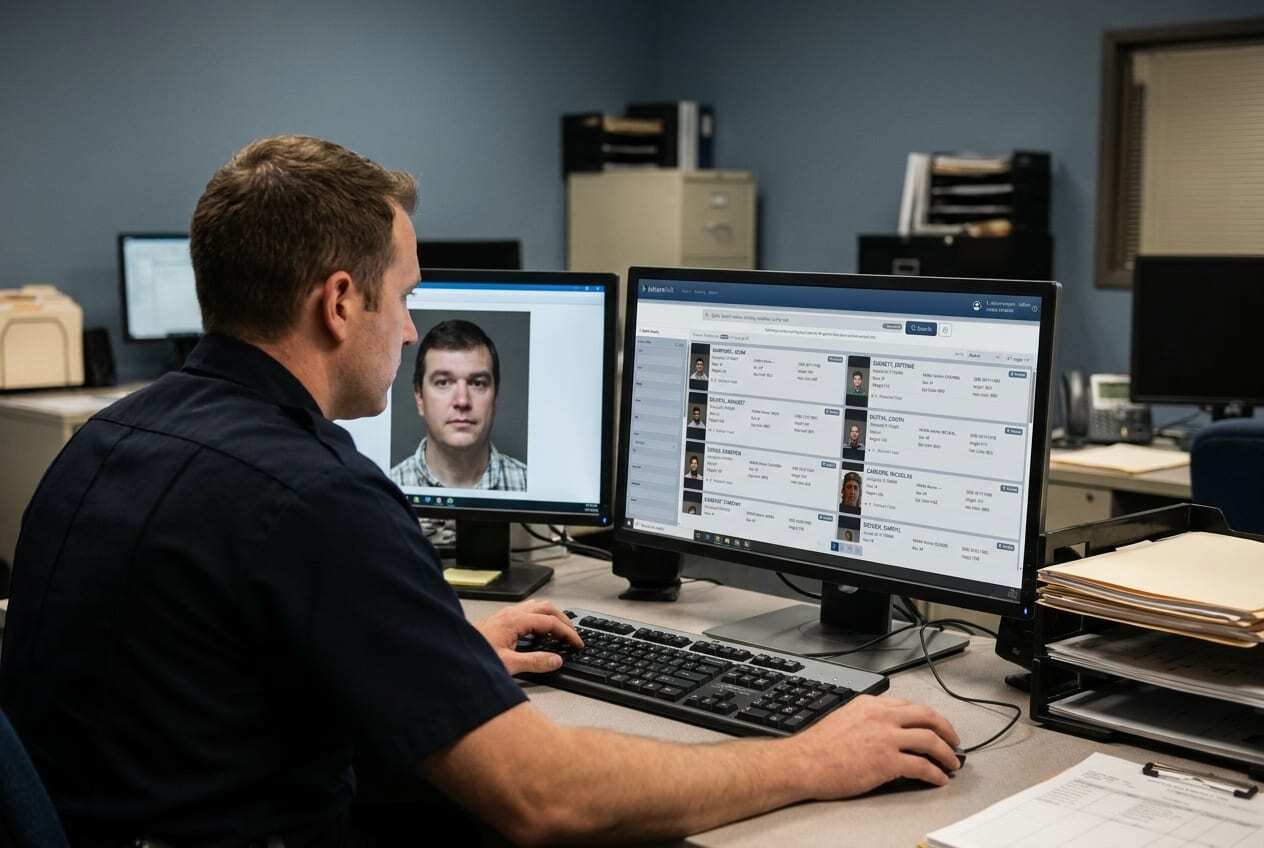
PictureLink Instant Subject Search

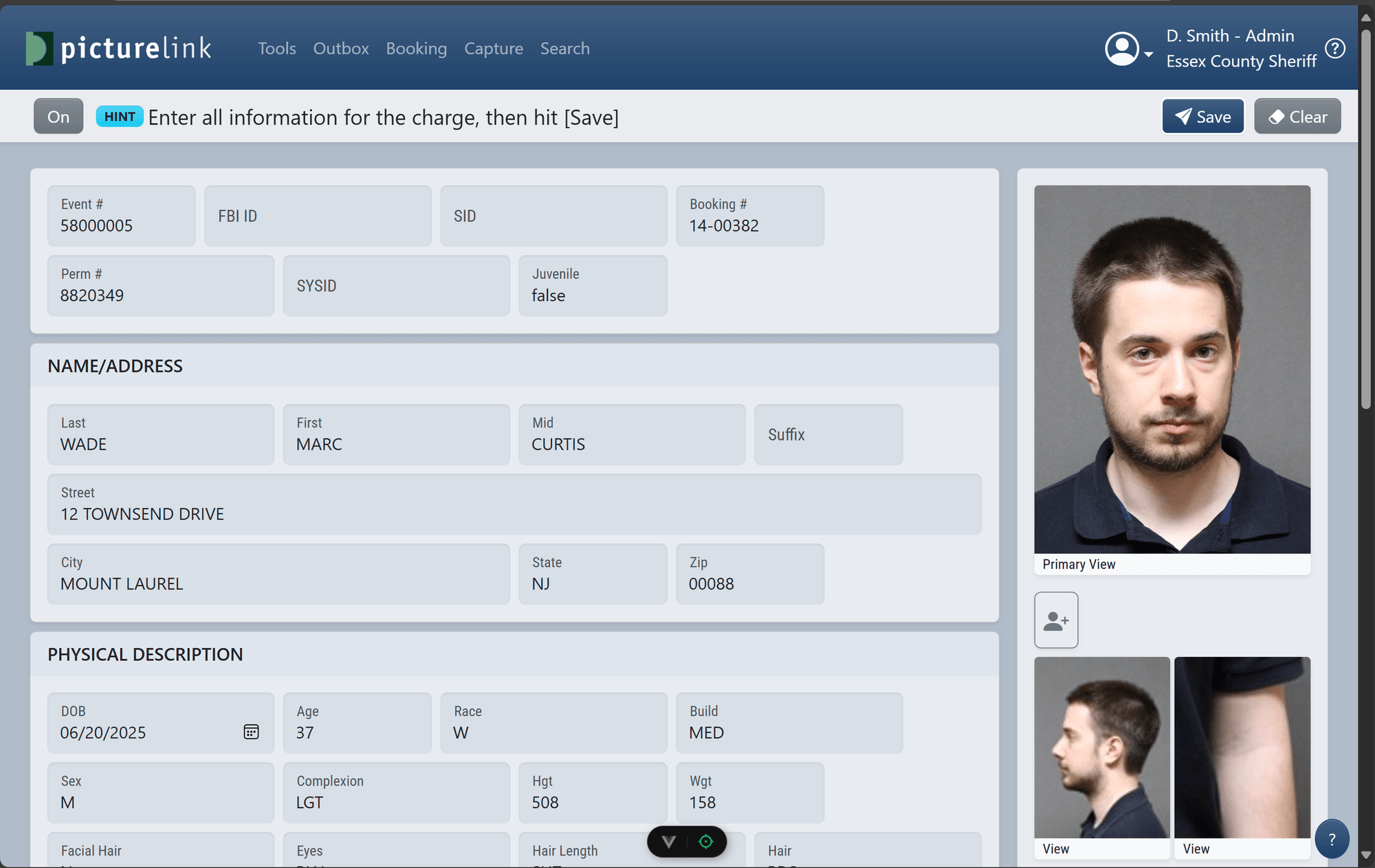
Search across every booking by name, ID number, or physical descriptor. Results return as a visual grid of subject photos, so officers can confirm an identity at a glance instead of reading through text records.

Complete Record Control

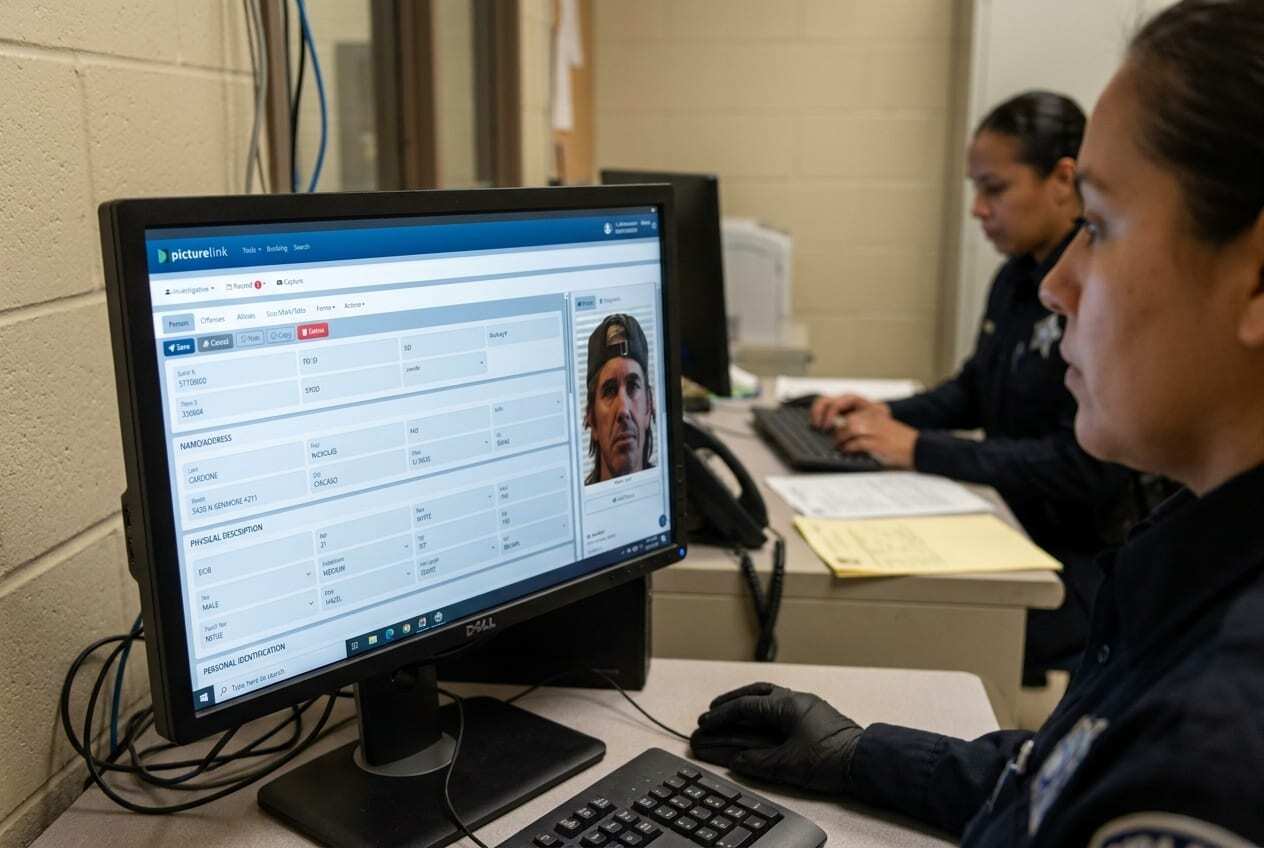
PictureLink Complete Record Control

Customizable data screens organize arrest data, offenses, aliases, and every associated image (front, profile, SMT, and fingerprints) in a single navigable record.

Photo LineupInvestigative

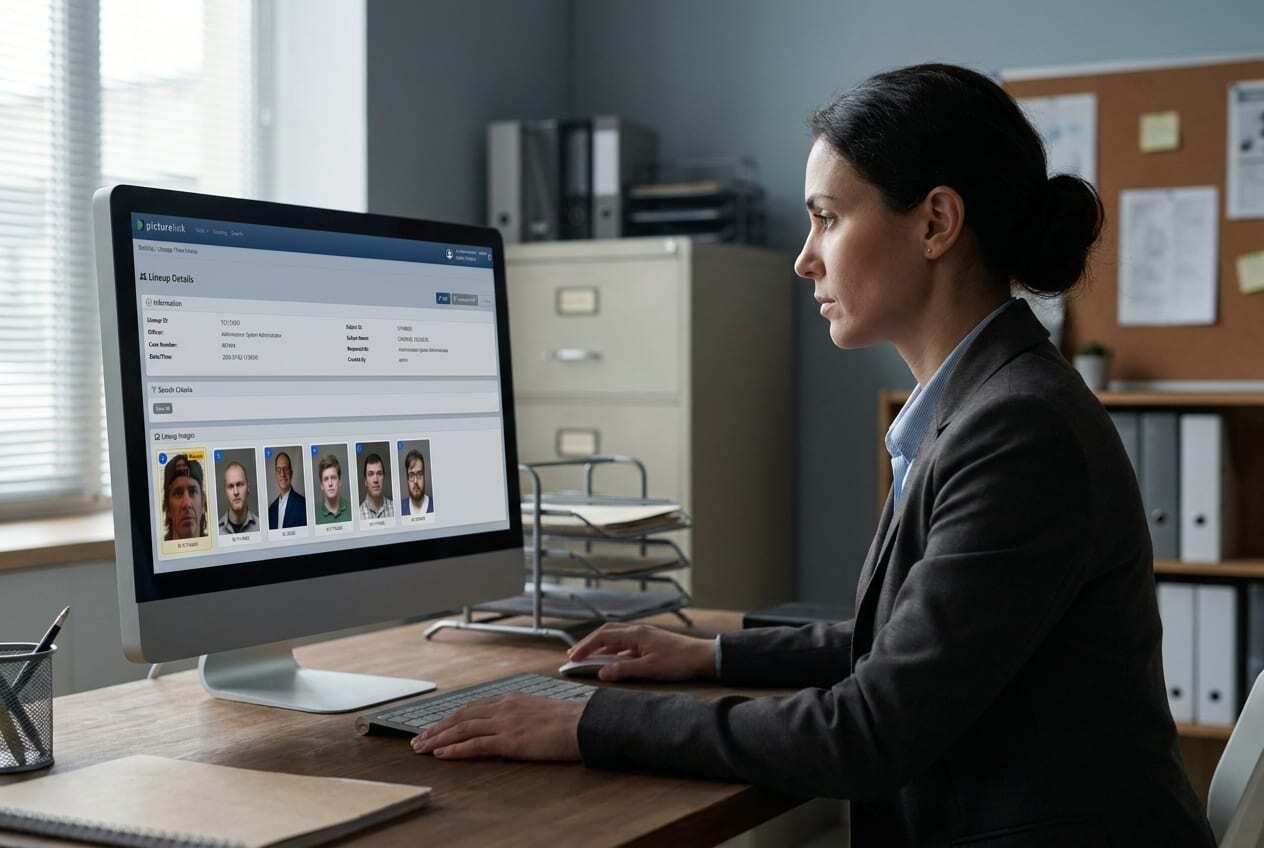
PictureLink Photo Lineup

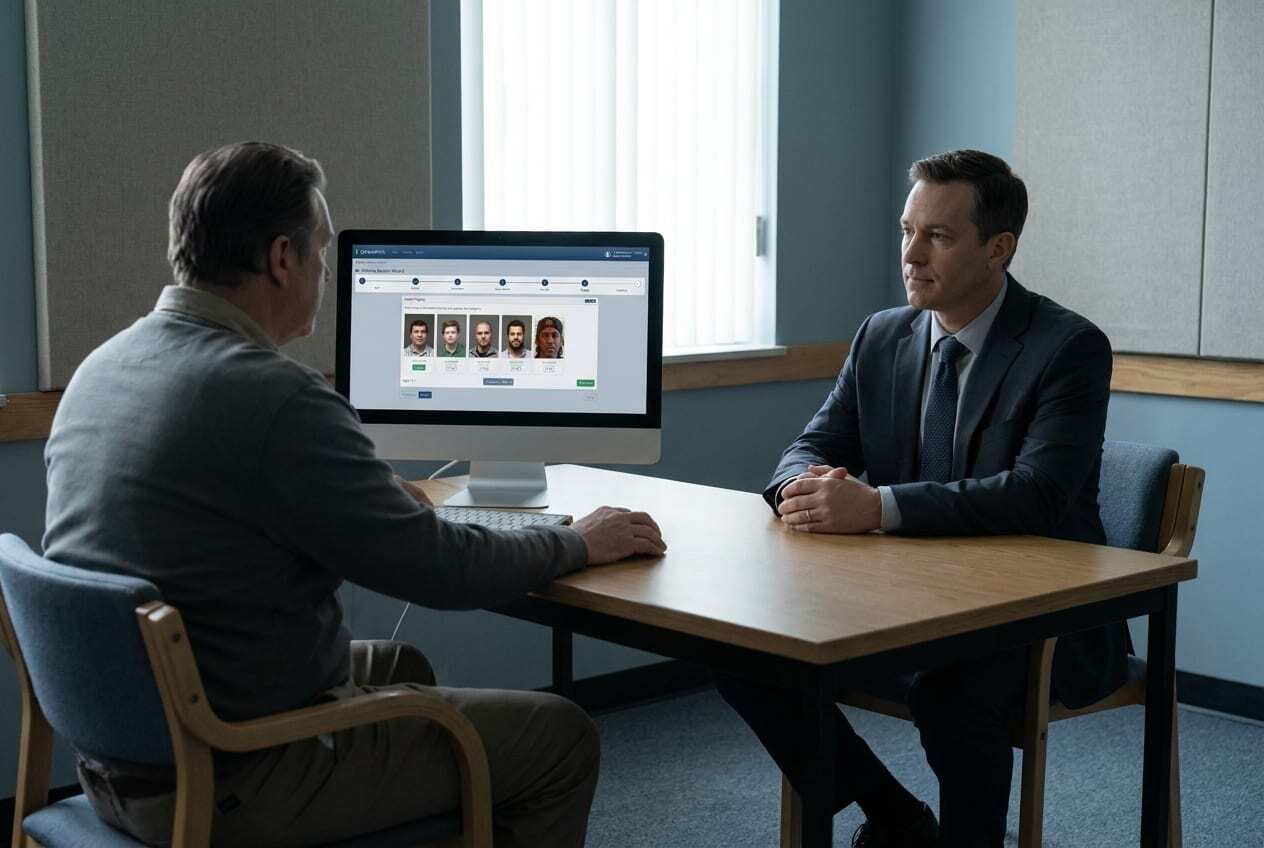
Generate a 6, 8, 9, or 12-image photo lineup from physical descriptors in seconds, ready for a witness or victim identification session.

Witness MugbookInvestigative

PictureLink Witness Mugbook

Walk a witness through a browseable, fully audited mugbook session — every image shown and every response is logged for the case file.

From Capture to Case File

Behind every mugshot, PictureLink's platform handles integration, search, and administration automatically — connecting booking and intake data with the tools investigators rely on every day.

  • Fully Integrated by Design

    Connect mugshots and arrest data with your Records, Jail, and Livescan systems, reducing duplicate capture and data entry.

  • Investigative Tools (Investigative module)

    Photo Lineup and Witness Mugbook modules generate image arrays from physical descriptors, with fully audited mugbook sessions for every witness review.

  • Custom Forms

    Build booking summary sheets, wanted posters, ID cards, and wristbands combining images, data, and barcodes.

  • Enterprise-Grade Administration

    Active Directory single sign-on, field-level security for sensitive data, and system auditing managed from an Admin console.

Product Literature & Documentation

Product Literature

Download the PictureLink product brochure covering features, capture workflow, and system specifications.

Download PDF →

Investigative Module

Add licensed Photo Lineup and Witness Mugbook tools for your investigative and detective teams.

Request Info →

Technical Documentation

System requirements, integration specifications, and deployment guides for IT teams.

Request Documentation →

Frequently Asked Questions About PictureLink

What is mugshot booking software?

Mugshot booking software automates the capture, storage, and classification of arrestee photographs during the booking process. PictureLink captures NIST-compliant mugshots and scars, marks, and tattoos (SMT) with automated quality assurance, integrating directly with jail and records management systems.

How does PictureLink ensure NIST compliance for mugshots?

PictureLink uses automated face finding and auto-crop technology to conform each mugshot to NIST best-practice standards. The Quality Assurance module verifies head size, position, background color, and brightness before saving any image.

Can PictureLink integrate with our existing jail management system?

Yes. PictureLink connects with Records, Jail, and Livescan systems, syncing mugshot and arrest data to reduce duplicate capture and data entry.

What is SMT classification and why does it matter?

SMT stands for Scars, Marks, and Tattoos. PictureLink classifies each SMT using NCIC standards for type, location, and description, enabling investigators to search by specific physical characteristics like “tattoo, left arm, heart image.”

How do photo lineups work in PictureLink?

The Investigative module generates 6, 8, 9, or 12-image photo lineups based on physical descriptors. Witness mugbook sessions are fully audited, logging every image shown and every witness response for case files.

Is PictureLink available as a web-based application?

Yes. PictureLink is only available as a web-based application, managed from a single console across the installation. It is accessible through standard desktop and mobile device browsers.

What kind of cameras does PictureLink support?

PictureLink supports integrated PTZ (pan-tilt-zoom) cameras and digital cameras, directing camera operations automatically with no manual hardware intervention.

Can we customize forms like booking sheets and ID cards in PictureLink?

Yes. PictureLink includes tools to build booking summary sheets, wanted posters, ID cards, and wristbands combining images, data, and barcodes.

How does PictureLink handle data security?

PictureLink offers field-level security to restrict access to sensitive information like PII or other criminal or personal data. Active Directory single sign-on and full event auditing provide additional security and inspection layers.

What is the difference between PictureLink booking and the investigative module?

The booking module captures mugshots and SMTs during intake with automated quality checks and JMS integration. The investigative module adds photo lineup generation and witness mugbook capabilities for detectives and investigators.
See PictureLink in Action

Schedule a personalized demo with our team. We'll walk through how PictureLink fits your booking or intake workflow.

Request a Demo →
Dynamic Imaging Systems

Innovative software for law enforcement & corrections since 1993.

A Harris Computer company

Solutions

  • CorreTrak
  • PictureLink
  • PositiveID+

Company

  • About DIS
  • Why Choose Us
  • Harris Computer
  • EEO Statement

Contact

  • Request Demo
  • sales@dynamicimaging.com
  • Sales: (856) 988-1545
  • Support: (856) 988-2665
  • Support Portal

© Dynamic Imaging Systems, Inc. All rights reserved. Privacy Policy · Cookie Policy